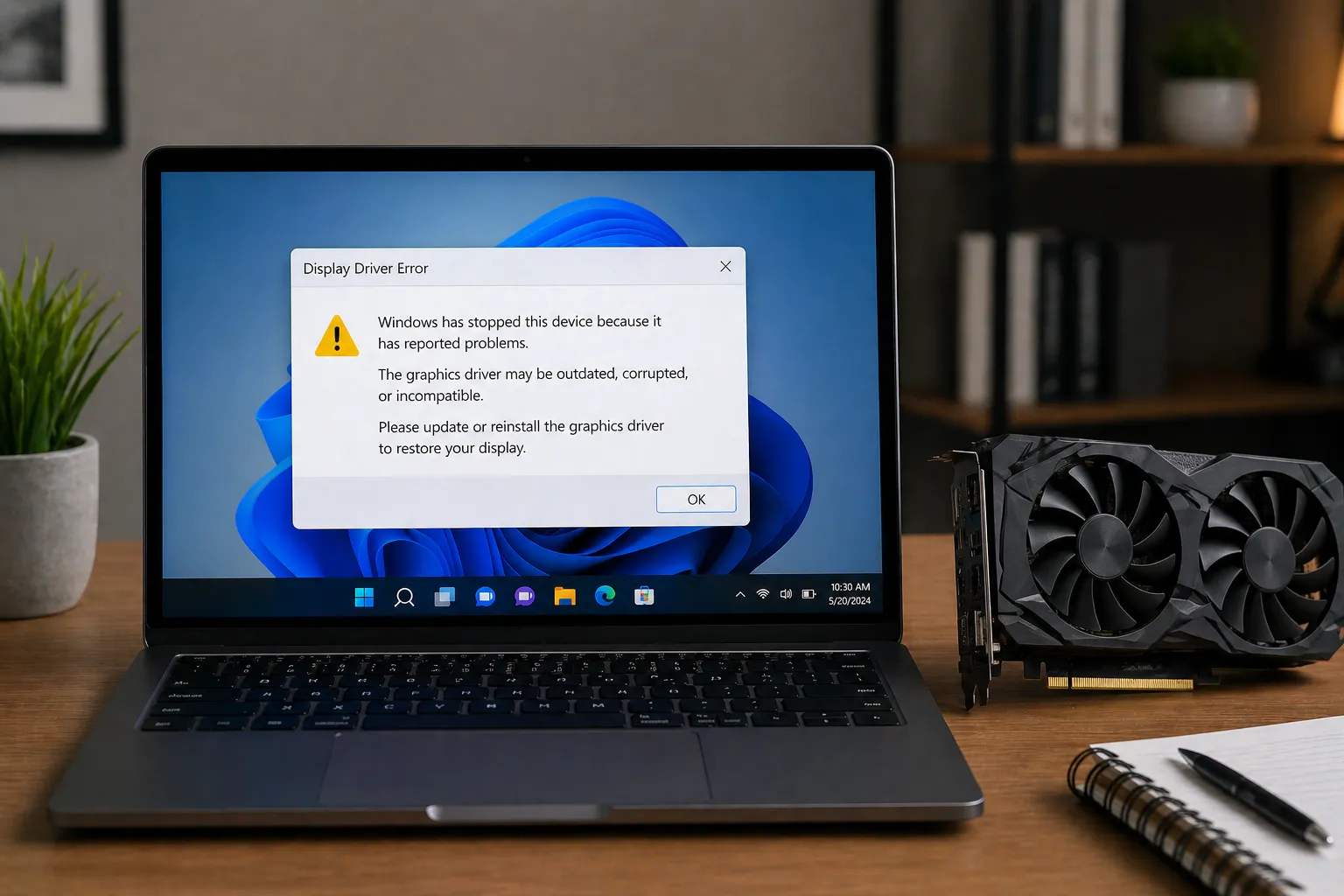
Understanding graphics driver basics.
The purpose of graphics driver software
A graphics driver is a software layer that helps the operating system communicate with graphics hardware. It supports display output, rendering, media behavior, and communication between applications and the GPU.
How visual information reaches the screen
When a computer displays images, videos, or interface elements, the graphics driver helps organize instructions for the graphics hardware. This allows visual information to be prepared and sent to the display in a usable format.
Graphics Concept
Graphics Pipeline
The graphics pipeline describes how visual information is prepared, processed, and displayed on screen.
Graphics Concept
Rendering Path
The rendering path explains how graphics data moves from an application to the display hardware.
GPU and CPU working together
During graphics-intensive tasks, the system must keep visual data organized between the processor and the graphics card. Driver communication helps the operating system coordinate this behavior so visual content can be presented clearly.
Simple Flow
App → Graphics Driver → GPU → Display
An application creates visual data, the driver helps organize the communication, and the GPU converts the signal for the monitor or display panel.
Video memory and rendering concepts
Graphics hardware may use dedicated memory for visual information such as images, textures, display frames, and rendering data. The driver helps organize how this information is prepared and used by the graphics hardware.
Display settings and device behavior
Graphics drivers support settings related to resolution, refresh rate, color depth, and display arrangement. These settings help the operating system understand how the display hardware should be used.